 OPEN
OPENVoice generation
Write a script, pick a voice model, and import the result straight into the open project.
The voice studio is a tab in the same workspace as the editor, so a generated narration track lands in the project you already have open.
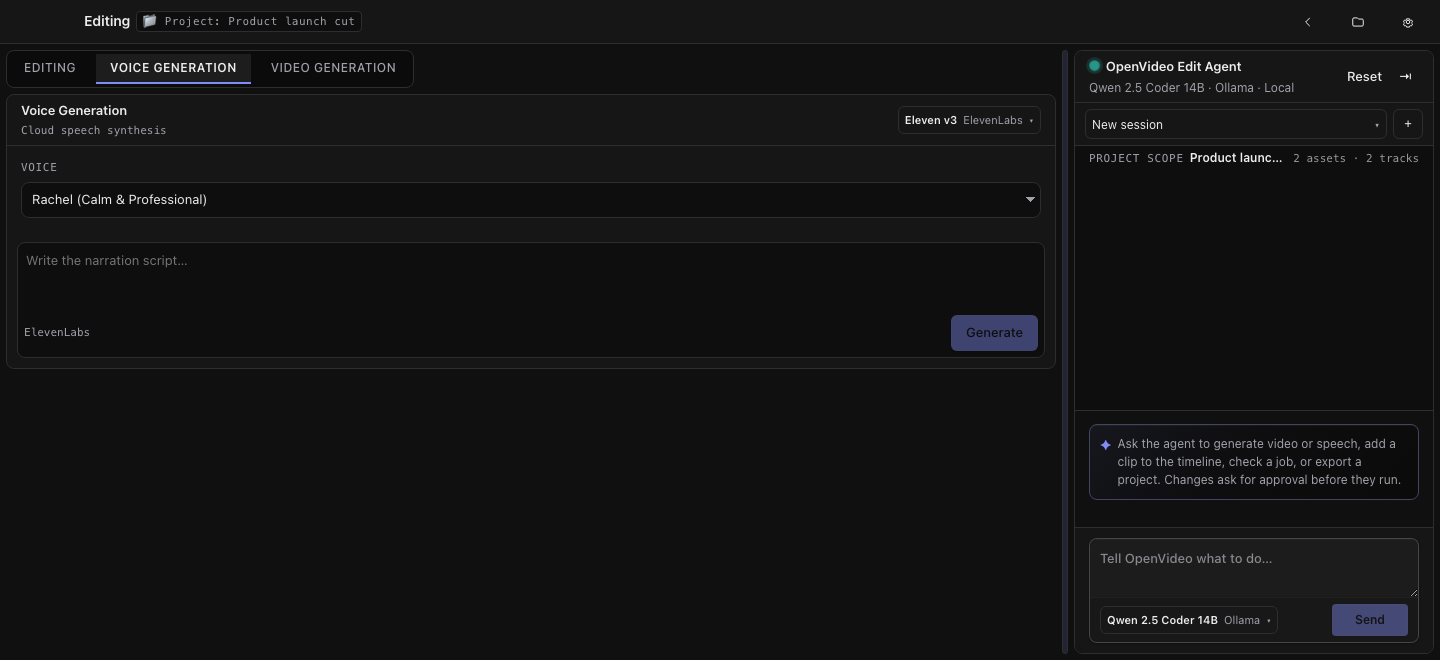
The flow
- Connect a speech provider — ElevenLabs or OpenAI — in Settings → Providers
- Choose a voice model in the studio's picker
- Write or paste the script
- Generate, and follow the job while it runs
- Import the result; it becomes an asset in the open project, ready for a timeline track
Where results are written
Generated audio is written into the project folder alongside your other assets — see Projects and folders. Nothing is uploaded except the script text you asked to be spoken, sent to the provider you connected.
Boundaries
Voice generation requires a cloud provider; there is no local speech engine in this build. Providers listed without a real adapter stay unavailable rather than failing halfway through a job.