 OPEN
OPENVideo generation
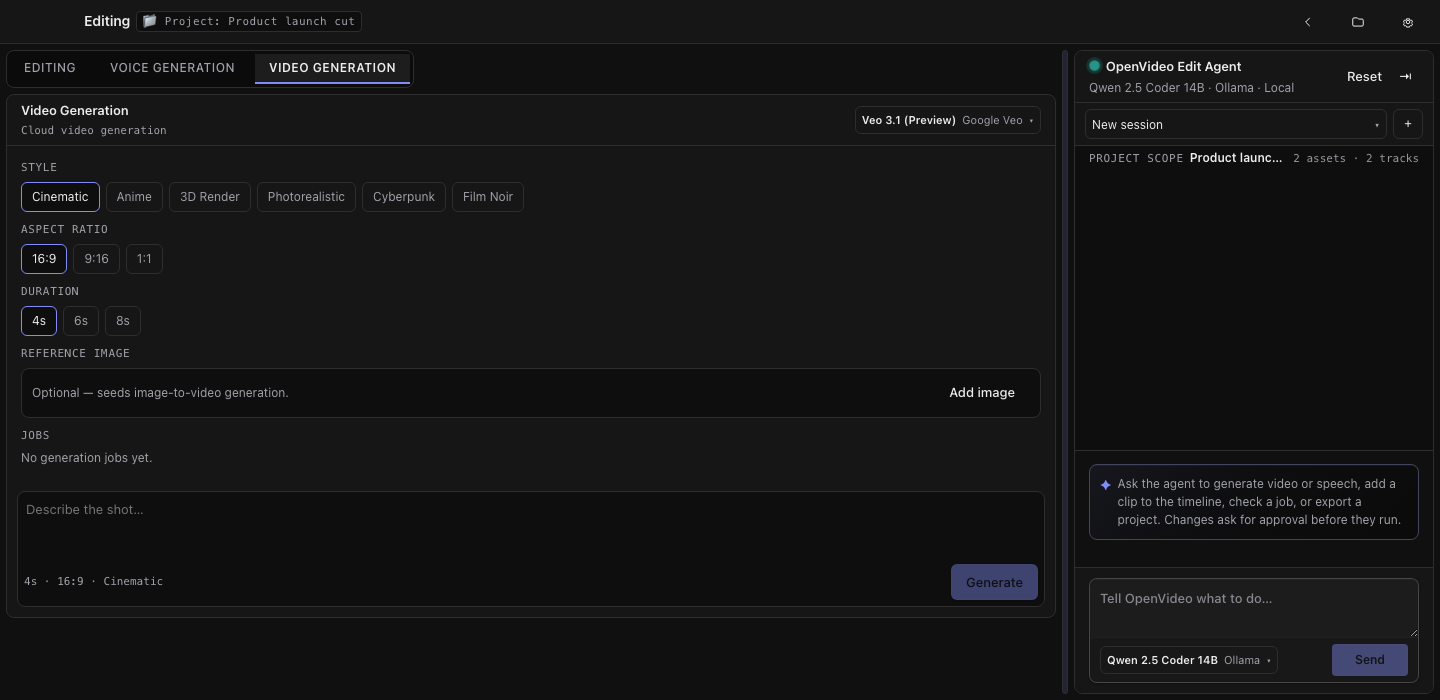
Prompt with a style, aspect ratio, and duration — optionally seeded by a reference image.
The video studio sits beside the editor and the voice studio. A finished job imports into the open project as an asset you can drop straight on the timeline.
The flow
- Connect a video provider — Google Veo or OpenAI Sora — in Settings → Providers
- Write the prompt and set style, aspect ratio, and duration
- Optionally pick a reference image to seed image-to-video
- Generate, and follow the job while it runs
- Import the result into the open project
Reference images
Google Veo supports image-to-video from a reference image. Sora reference images are not available in this build: they need a multipart upload path it does not send, and the studio says so rather than dropping the image silently.
Cost and approval
Your provider bills you directly for generation; OpenScene never sits between you and them. When the agent starts a job with createVideoJob it asks for approval first for the same reason.